
Built for the folders you avoid opening.
Downloads, Desktop, that “misc” folder from 2021. macslay+ sorts them, and every step is yours to check.
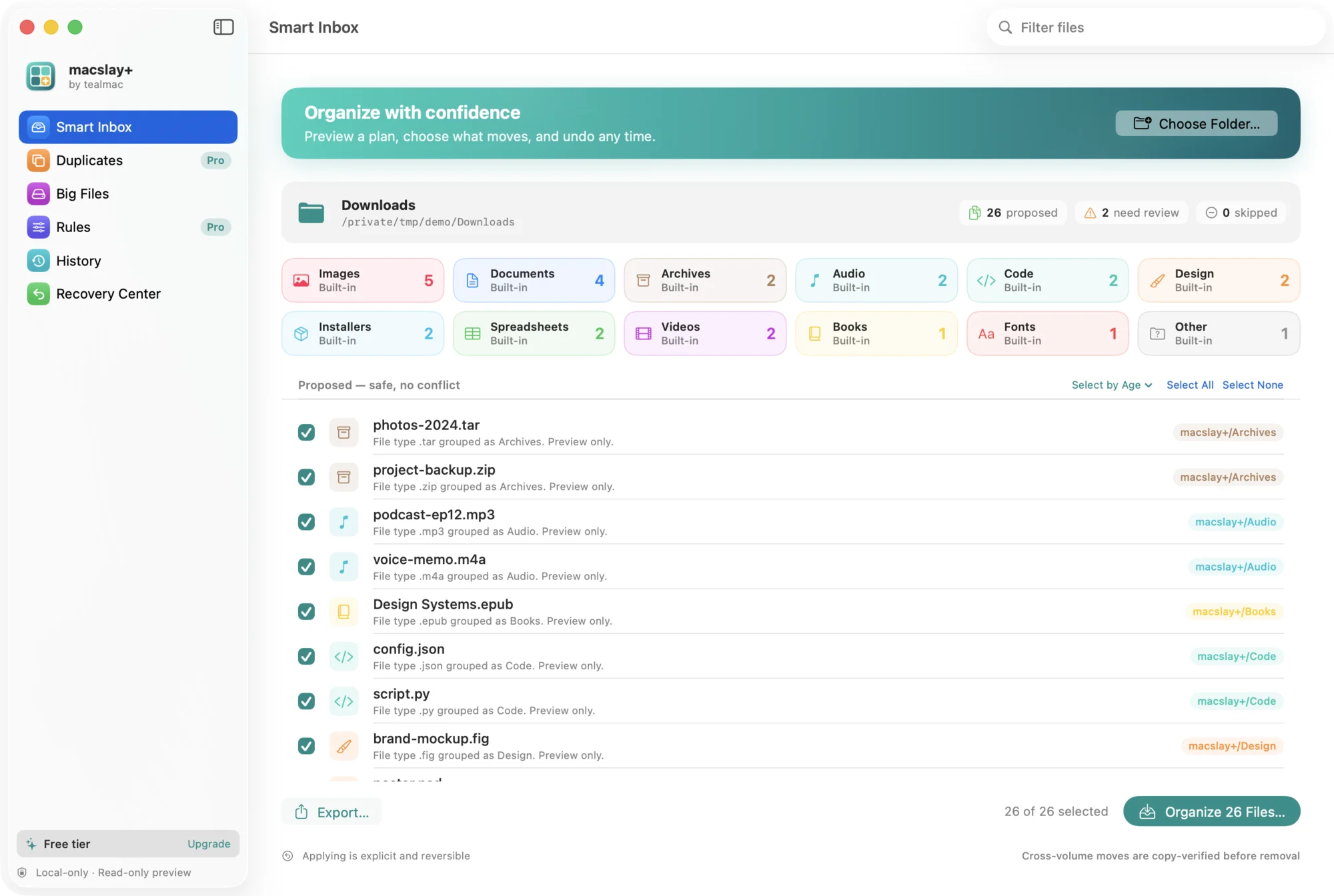
See every move first
A read-only preview of where each file would go, colour-coded by folder.
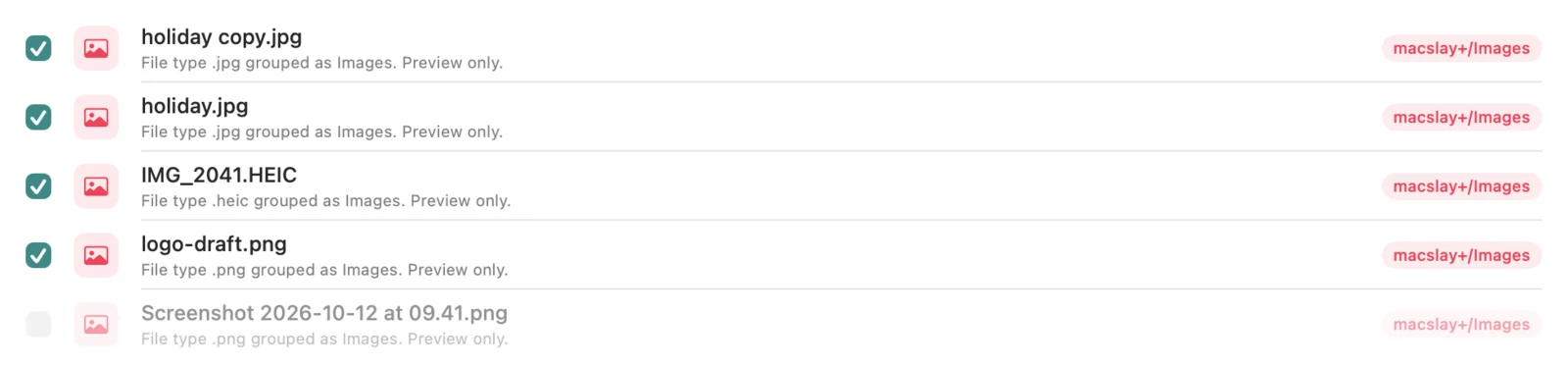
Leave files out
Untick anything that should stay put.
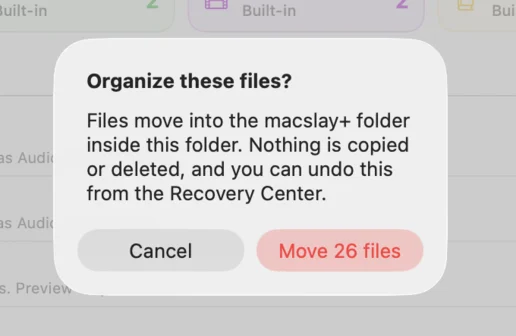
One confirmation
One question, with the exact number of files.
Undo, any time
Every run is journaled on your Mac.

Twelve built-in folders
Documents, Images, Installers, Code, Design, Fonts, Books and more, chosen by file type.

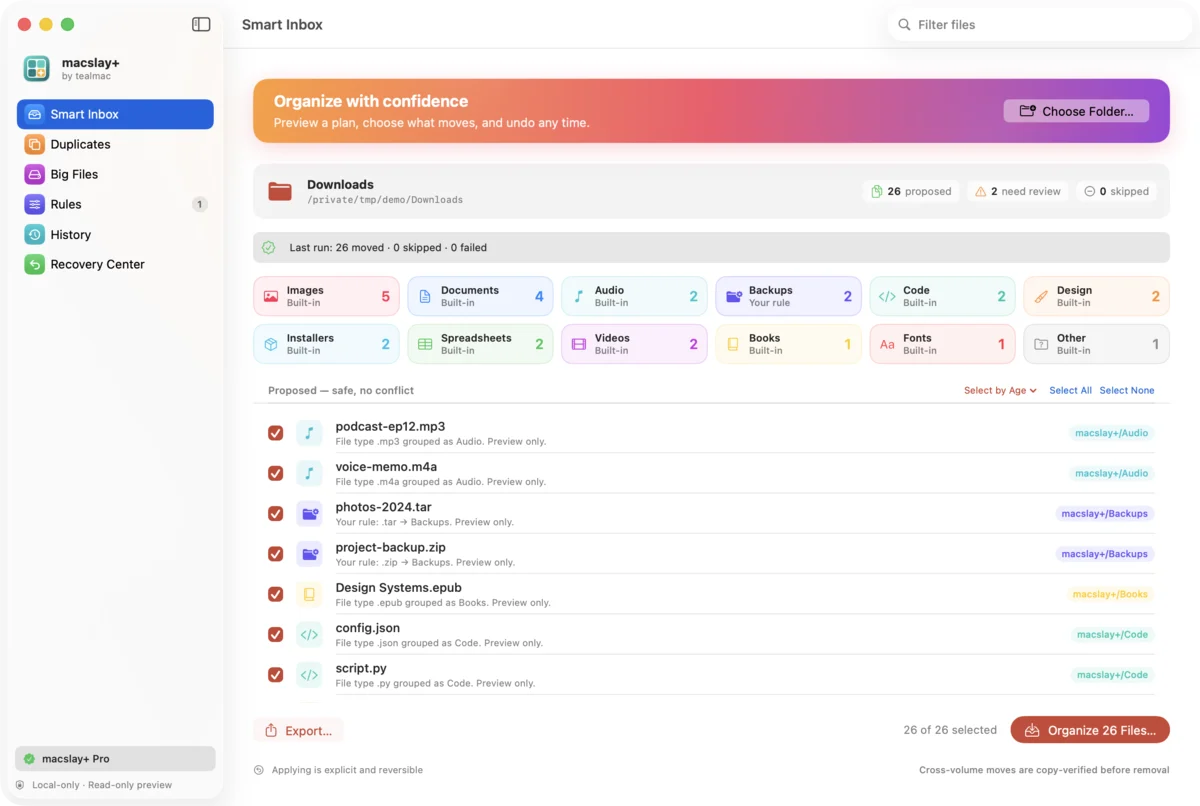
Five colour themes
Teal, Sunset, Grape, Forest and Candy.
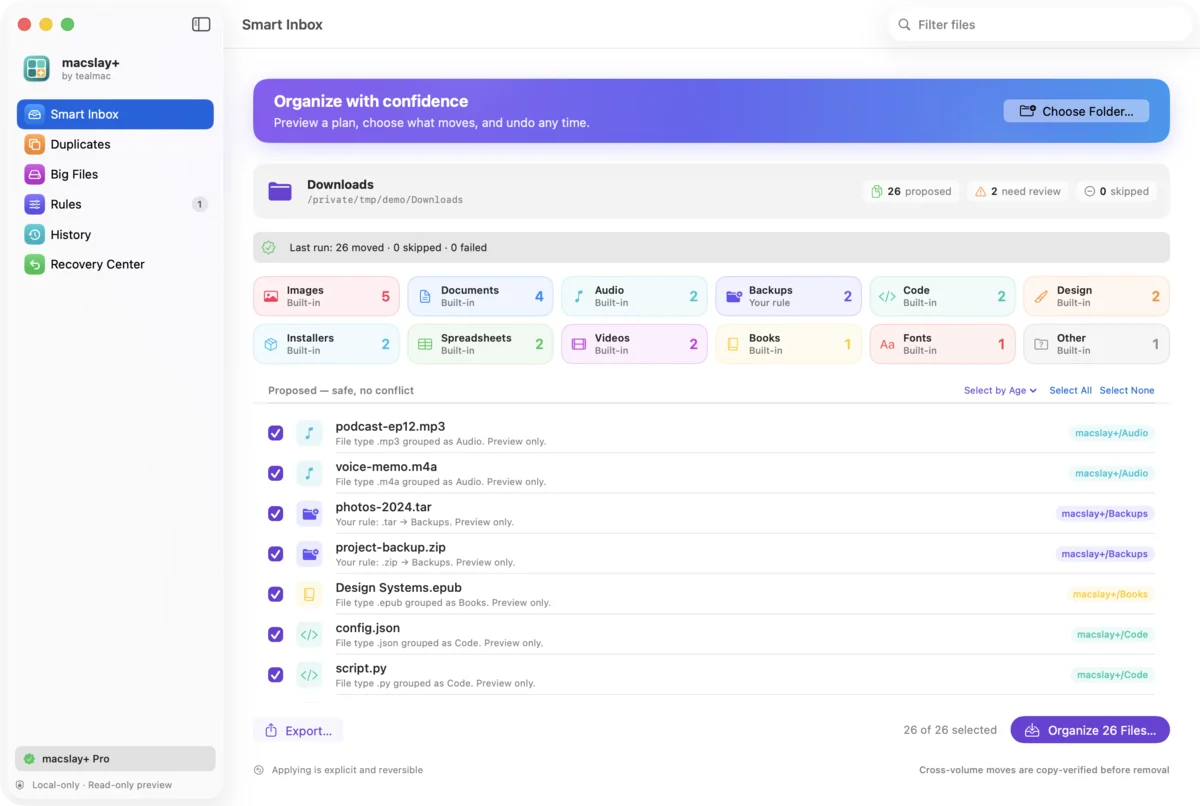
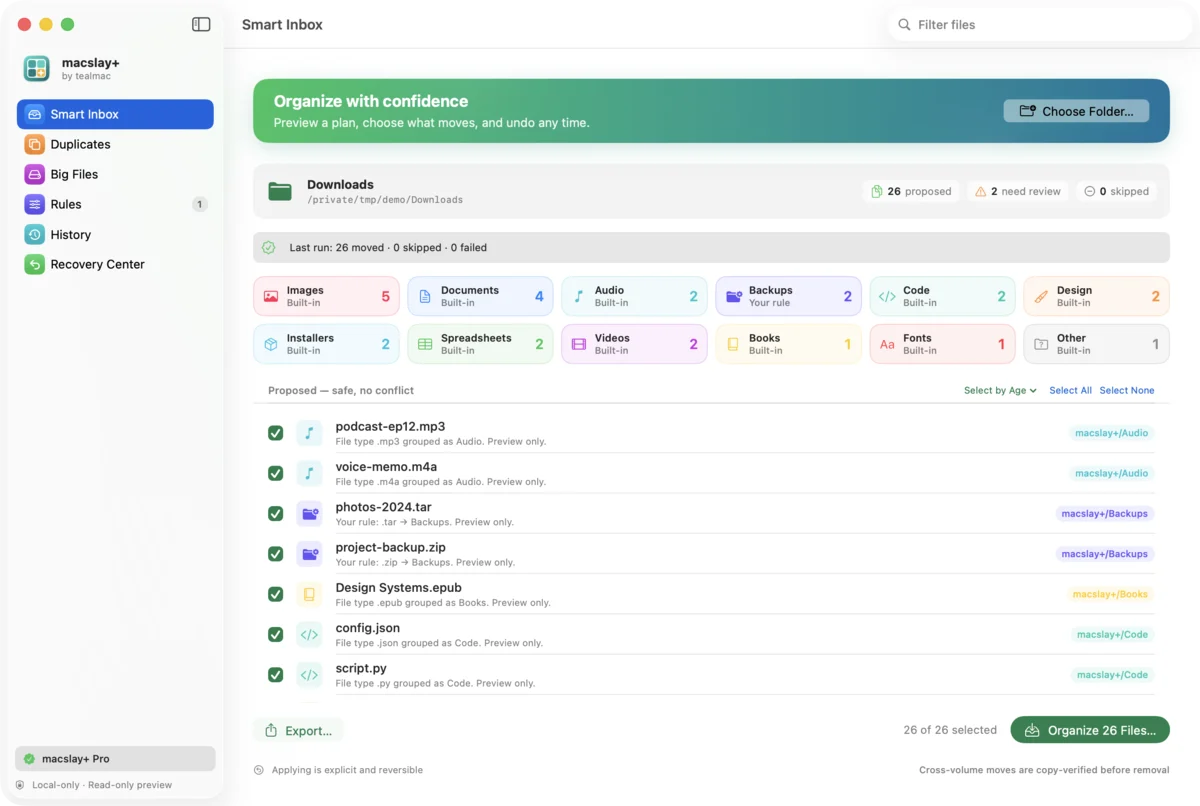
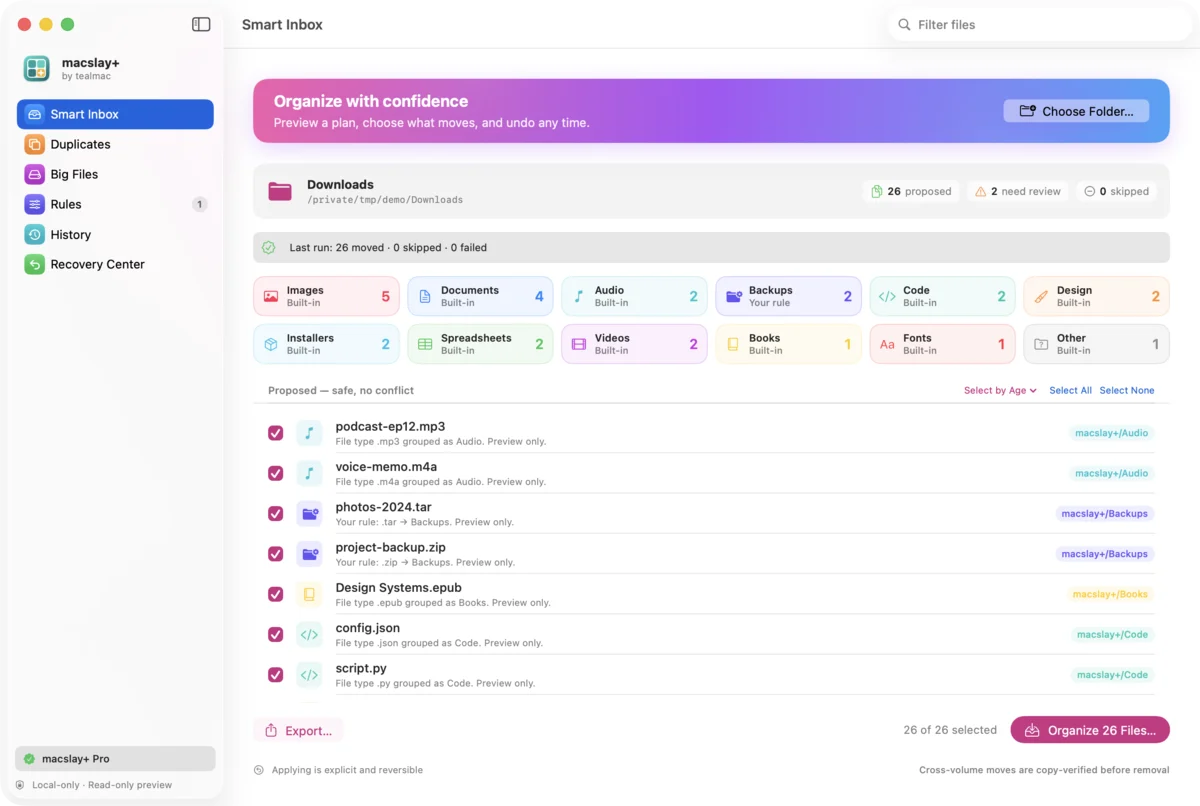
Nothing moves until you say so.
Every tealmac app works the same way: a read-only preview, your edits, one confirmation, and an undo that really undoes. Everything runs on your Mac; your files never leave it. Here is macslay+ doing it.
See the plan
Choose a folder. You get a read-only preview of where every file would go. Nothing has moved yet.
Leave out what stays
Untick a file or a whole folder and it stays exactly where it is.
Confirm once
One plain question, with the exact number of files. Files move into a macslay+ folder; nothing is deleted.
Undo anything
Every run is journaled on your Mac. Undo puts each file back, and refuses rather than overwrite something that changed.
22 seconds, start to undo.
Recorded from the real app on demo files. Muted; turn the sound on in the controls.
A native Mac app, in five colours.
SwiftUI and AppKit, light and dark mode, keyboard shortcuts and VoiceOver labels. No web wrapper.
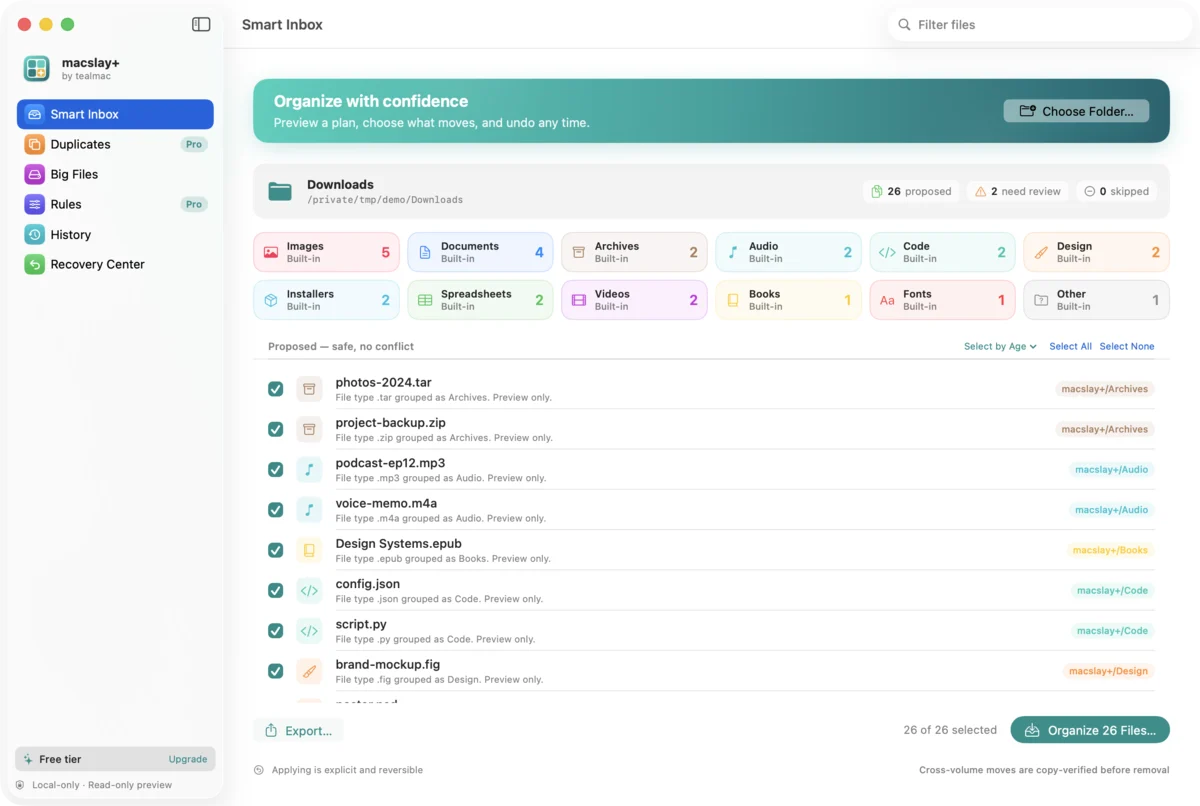
Teal (the default)
Sunset
Forest
Grape
Candy
From the workshop
What changed in the development builds, newest first. Nothing here is a release yet.
The whole logBig Files and colour themes
Twelve built-in folders: Installers, Spreadsheets, Design, Code, Fonts and Books join Documents, Images, Videos, Audio, Archives and Other.
Duplicates to the Trash
Duplicates (Pro): choose which copy to keep and move the extras to the macOS Trash. Nothing is permanently deleted, and each file is checked again right before it moves.
Leave files out
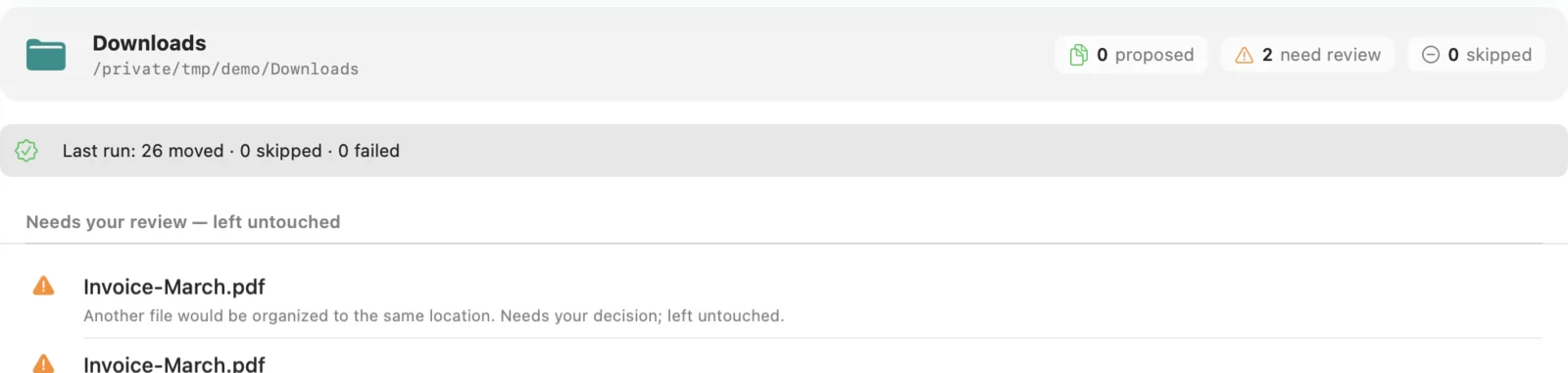
Leave files out: every file in the plan has a checkbox, and only ticked files move. The confirmation shows how many will move.
How we build.
Four rules every tealmac app follows, starting with macslay+.
Show the plan before doing anything.
Every tealmac app starts with a read-only preview of exactly what will change.
Ask once, with the real number.
One confirmation that says what will happen, never a vague “Are you sure?”.
Make every action reversible.
Runs are journaled on your Mac, and undo refuses rather than overwrite anything.
Keep it on the Mac.
Native apps, sandboxed, with no account and no network access unless a feature truly needs it.
Opens the macslay+ demo in your browser with a folder of example files under that name. Tick, apply, undo. Nothing on your computer is read or changed.

Tidy a folder. Undo any of it.
Try the whole flow in your browser with example files. Nothing on your computer is touched.
macOS 14 or later · In development, not on sale yet · Install guide